All writing
Technical7 min read
Building a 3D Solar System With Nothing but CSS
The hero of my portfolio is a CSS-only solar system: tilted rings, planets that stay upright and real depth sorting. Here is the transform chain behind it.

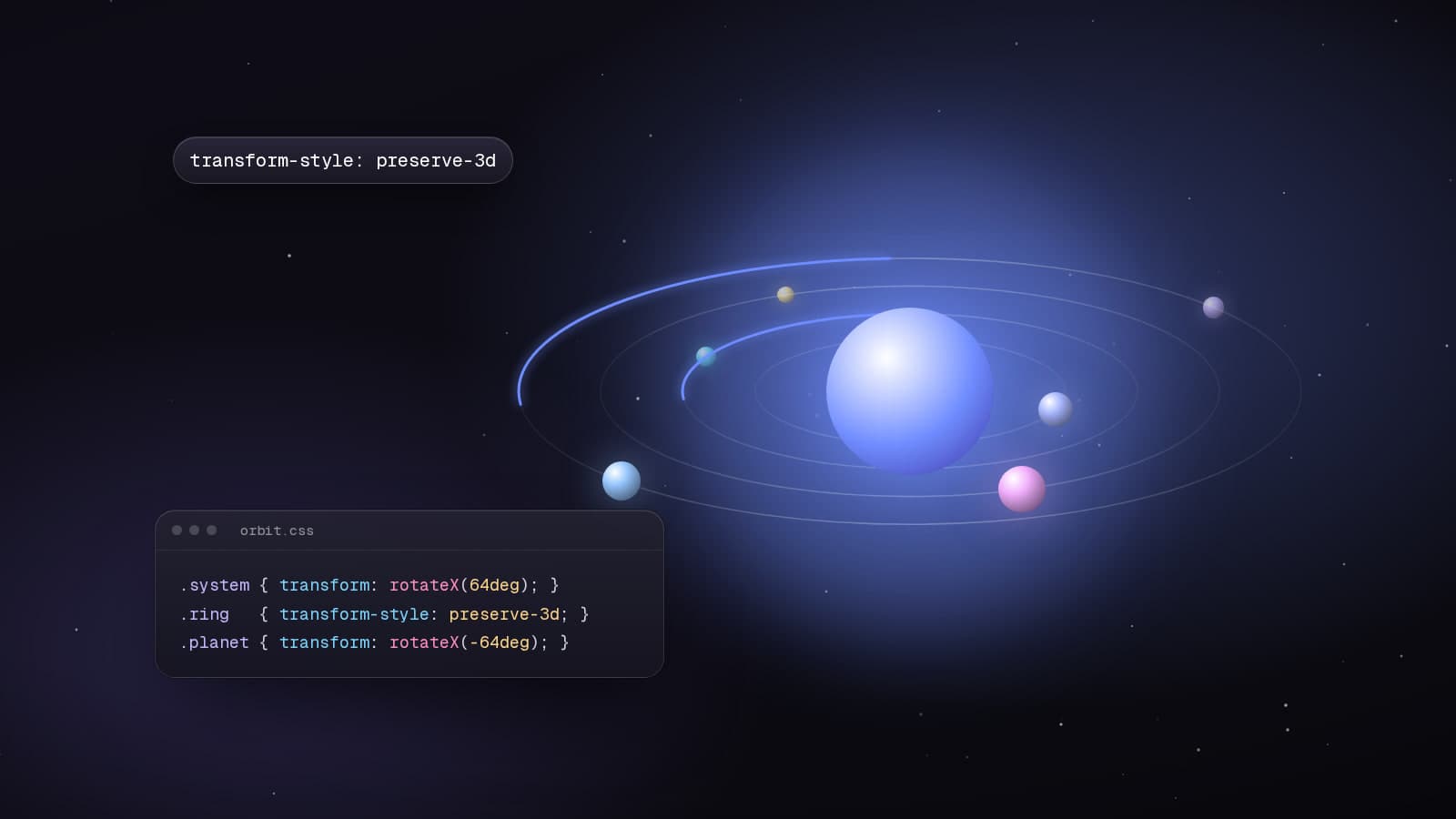
When I redesigned my portfolio, I wanted the first screen to say something about how I work without a paragraph of text. The result is a small solar system: my portrait is the sun, and the tools I use most orbit around it on tilted rings. Planets drift behind the portrait and back out in front of it, and scrolling pushes the whole system forward.
It is not WebGL. It is a handful of divs, CSS 3D transforms and two keyframes. For a dozen elements, CSS wins: icons stay crisp, everything is regular DOM, there is no canvas to size or pause, and the cost is close to nothing.
Step one: a tilted plane
Each ring is a circle drawn with border-radius. The rings live in a container rotated around the X axis, which turns the circles into ellipses with real perspective. Two details matter: perspective belongs on the parent of the 3D scene, and transform-style: preserve-3d has to be set on every level, or the depth collapses.
.stage {
  perspective: 1600px;
}

.system {
  transform-style: preserve-3d;
  transform: rotateX(var(--tilt, 64deg));
}

.ring {
  transform-style: preserve-3d;
  width: calc(var(--R) * 2);
  aspect-ratio: 1;
  border-radius: 50%;
  border: 1px solid color-mix(in oklch, currentColor 16%, transparent);
  animation: spin var(--dur) linear infinite;
}

@keyframes spin {
  to {
    transform: rotateZ(360deg);
  }
}
Inner rings get shorter durations than outer ones. Nobody consciously notices, but it is the detail that makes the system feel physical rather than decorative.
Step two: placing planets
A planet sits at an angle on its ring. One transform does it: rotate to the angle, push out by the radius, then rotate back so the planet is not left spinning on its own axis.
.slot {
  transform-style: preserve-3d;
  transform:
    rotateZ(var(--a))
    translateX(var(--R))
    rotateZ(calc(var(--a) * -1));
}
Step three: keeping planets upright
Here is the interesting part. A planet inherits everything above it: the plane's tilt and the ring's spin. Left alone, the icons lie flat on the ring and rotate with it. To make them face the camera, I undo those rotations in reverse order, right inside the planet.
/* undo the ring's spin with the same animation, reversed */
.counter-spin {
  transform-style: preserve-3d;
  animation: spin var(--dur) linear infinite reverse;
}

/* undo the plane's tilt */
.untilt {
  transform-style: preserve-3d;
  transform: rotateX(calc(var(--tilt) * -1));
}
The forward rotations are tilt, then spin. The inverse is minus spin, then minus tilt. Multiply them out and the rotation cancels completely, while the position on the ring survives. Because both spins use the same duration and start together, they stay in lockstep, and since both animate transform, the browser can run them off the main thread.
Depth sorting comes for free
The sun is a sibling of the rings inside the same 3D context. It stands upright at z = 0 while the rings are tilted through it, so half of every orbit is in front of it and half is behind. The browser sorts the planes, which means planets genuinely pass behind the portrait and come back out, without a single z-index change.
The trap: properties that flatten 3D
Some properties force an element to render its children into a flat layer, whatever transform-style says. On a parent in the chain, any of these silently turns the planets back into flat stickers:
- opacity below 1
- filter, clip-path and mask
- overflow set to anything other than visible
- isolation: isolate
I hit this the moment I tried to fade the rings out on scroll. The fix is to fade the leaves instead: the planet elements themselves, the ring's border colour and its accent arc. Nothing that has 3D children ever gets an opacity animation.
Adding scroll
Time-based spin and scroll-based motion cannot share one transform, so scroll gets its own wrapper and its own counter-rotation inside each planet. As the next section slides in, the wrapper pushes the orbits forward and the plane tips edge-on while it scales past the camera.
.boost {
  animation: boost linear both;
  animation-timeline: --about;
  animation-range: entry 0% entry 100%;
}

@keyframes boost {
  to {
    transform: rotateZ(160deg);
  }
}
Each planet gets the matching reverse keyframes on a counter-boost element, next to its counter-spin. Under prefers-reduced-motion the spins are removed entirely and the system rests at a flattering angle, still fully readable.
The whole thing is about sixty elements and no JavaScript beyond a small pointer tilt on springs. It is a good reminder that before reaching for a 3D engine, it is worth asking what the browser can already do.
Keep reading
All writing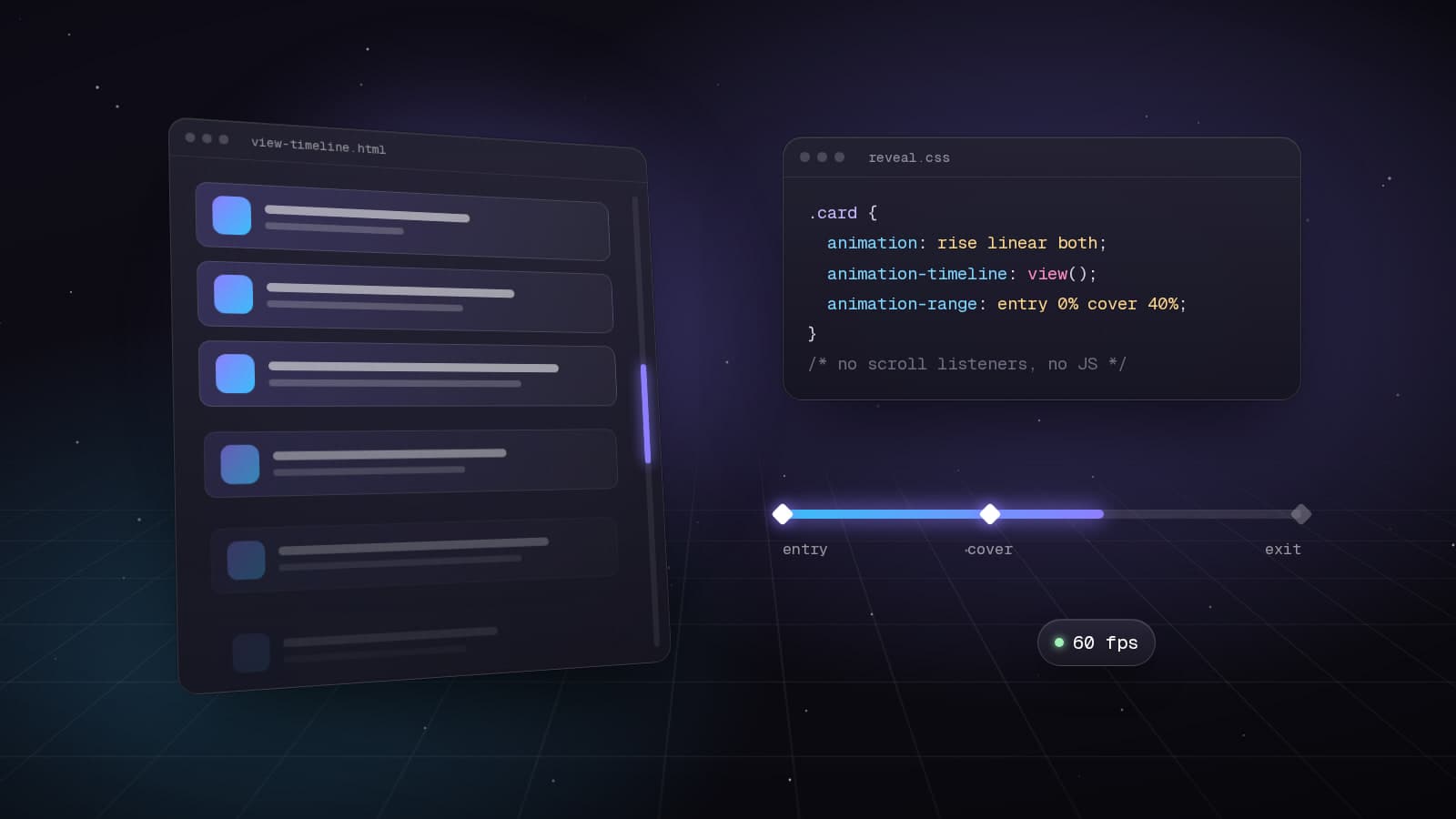
Web Development8 min read
Scroll-Driven Animations in CSS: Motion Without JavaScript
How I rebuilt my portfolio's scroll choreography with animation-timeline, view() and scroll(): no scroll listeners, smoother frames and graceful fallbacks.
Best Practices7 min read
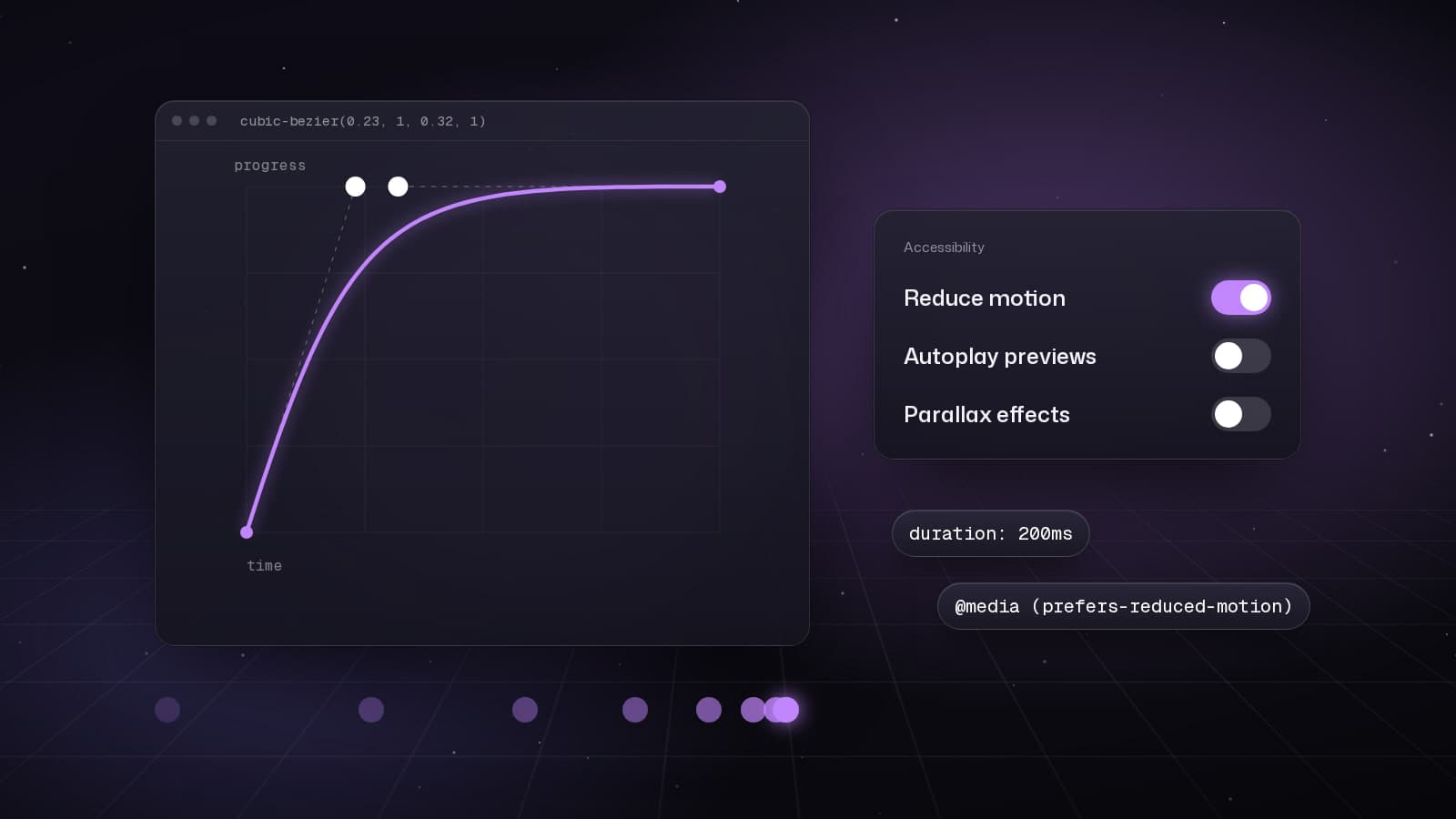
Motion That Respects People: My Checklist for Animated Interfaces
Animation should explain, confirm or delight, never make people wait. The rules I use to decide what moves, how fast it moves and what it costs.
Web Development5 min read
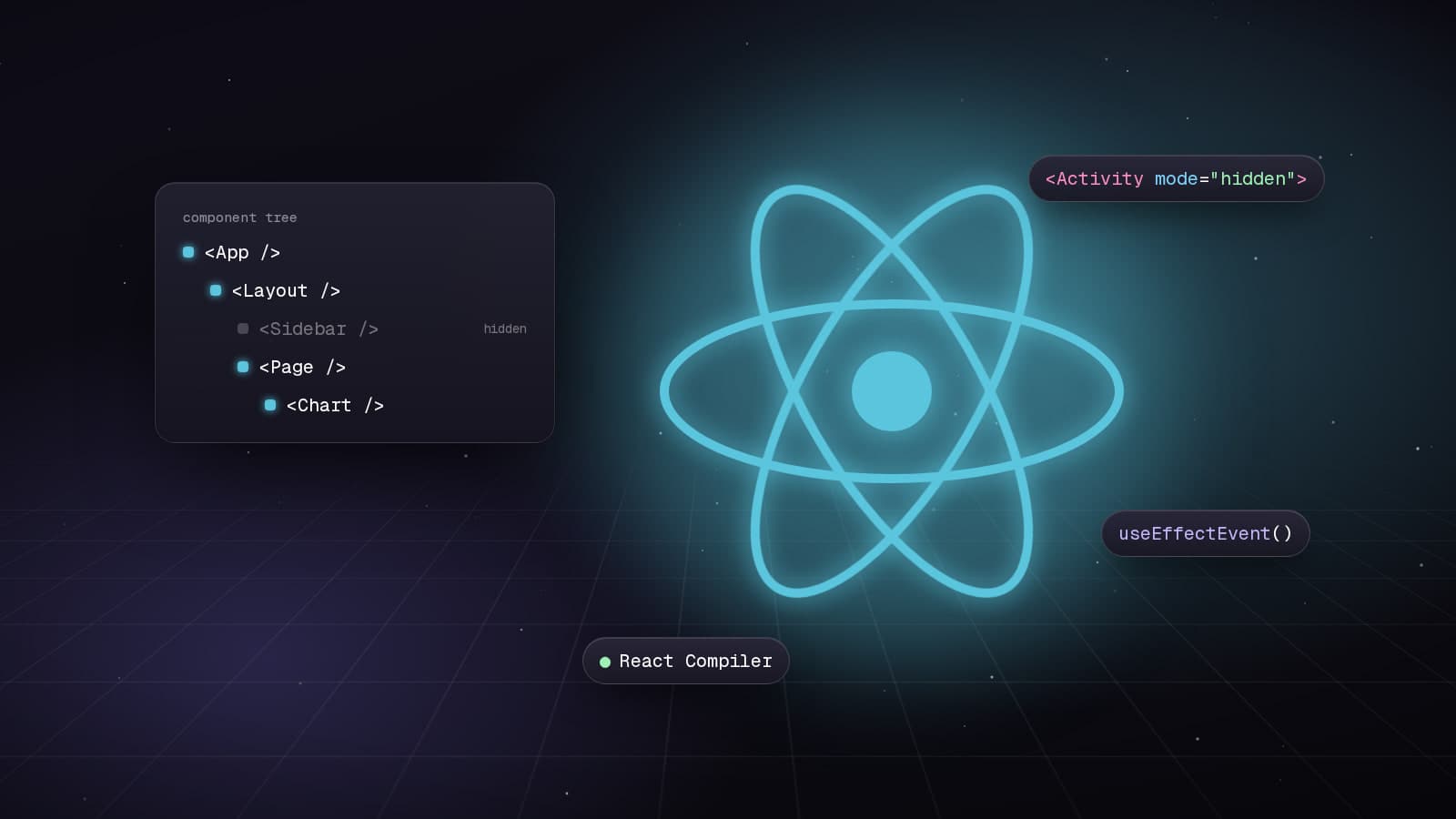
React 19.2: Transforming Application Development
Explore the powerful features introduced in React 19.2, including the Compiler, Activity Component, and useEffectEvent, which enhance performance and code quality.