All writing
Web Development5 min read
React 19.2: Transforming Application Development
Explore the powerful features introduced in React 19.2, including the Compiler, Activity Component, and useEffectEvent, which enhance performance and code quality.

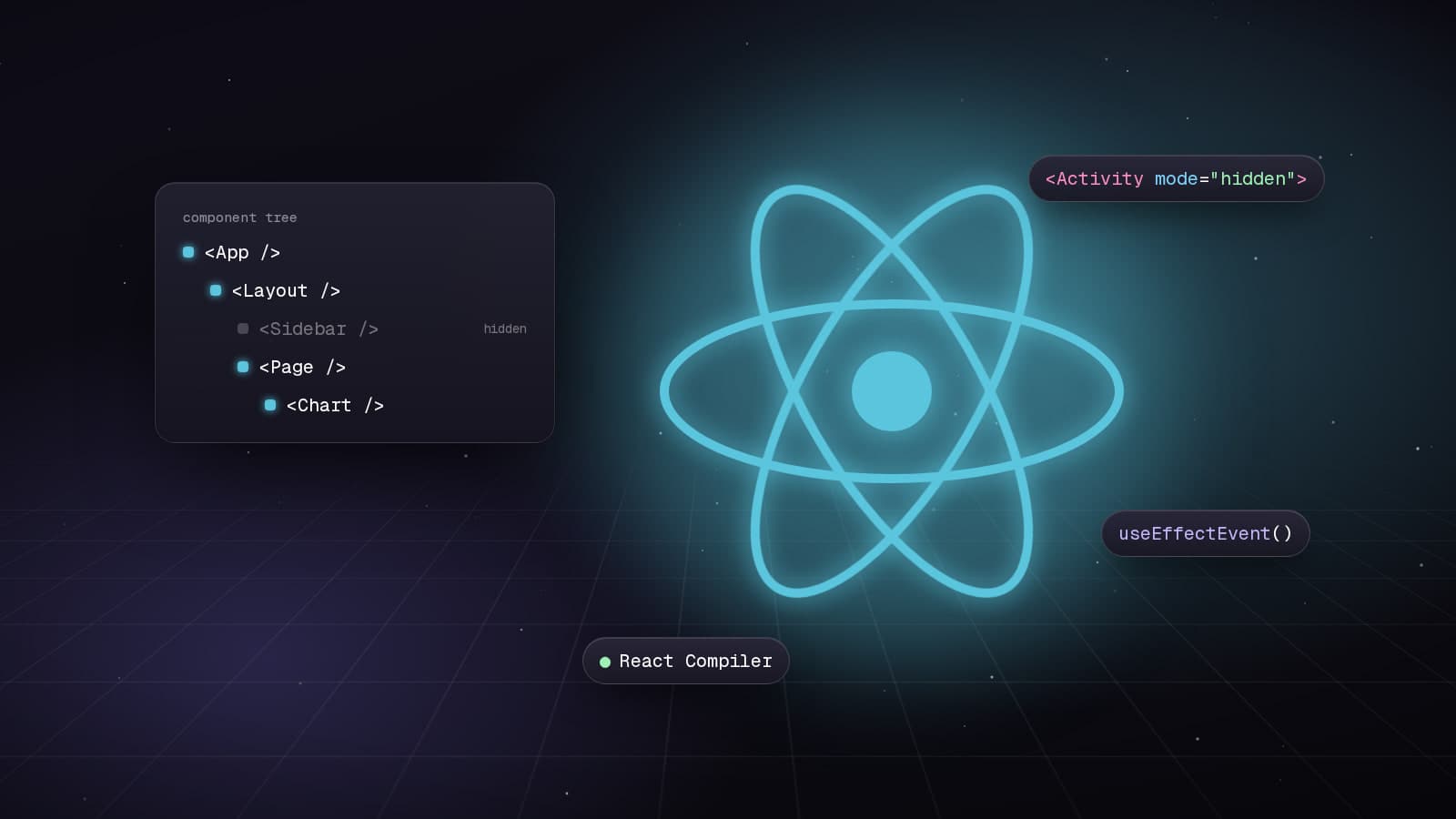
React 19.2 introduces transformative features that fundamentally change how we write React applications. The React Compiler eliminates manual memoization, the Activity component provides better UI feedback, and useEffectEvent solves long-standing effect dependency challenges.
React Compiler: Automatic Optimization
The React Compiler automatically optimizes your components by memoizing them behind the scenes. No more manual useMemo, useCallback, or React.memo.
Installation and Setup
# Install the React Compiler
npm install --save-dev babel-plugin-react-compiler

# For Next.js projects
npm install next@latest react@rc react-dom@rc
Enable the compiler in your Next.js configuration:
// next.config.ts
import type { NextConfig } from 'next';

const nextConfig: NextConfig = {
  experimental: {
    reactCompiler: true,
  },
};

export default nextConfig;
Before React Compiler: Manual Optimization
import { useMemo, useCallback, memo } from 'react';

interface ProductListProps {
  products: Product[];
  onFilter: (query: string) => void;
}

// Manual memoization everywhere
const ProductList = memo(({ products, onFilter }: ProductListProps) => {
  // Manual useMemo for expensive calculations
  const sortedProducts = useMemo(() => {
    return products.sort((a, b) => b.rating - a.rating);
  }, [products]);

  // Manual useCallback for event handlers
  const handleSearch = useCallback((e: React.ChangeEvent<HTMLInputElement>) => {
    onFilter(e.target.value);
  }, [onFilter]);

  const discountedTotal = useMemo(() => {
    return sortedProducts.reduce((sum, p) => sum + p.discountedPrice, 0);
  }, [sortedProducts]);

  return (
    <div>
      <input onChange={handleSearch} placeholder="Search..." />
      <p>Total: ${discountedTotal}</p>
      {sortedProducts.map(product => (
        <ProductCard key={product.id} product={product} />
      ))}
    </div>
  );
});

ProductList.displayName = 'ProductList';
After React Compiler: Zero Manual Optimization
import type { Product } from '@/types';

interface ProductListProps {
  products: Product[];
  onFilter: (query: string) => void;
}

// No memo, useMemo, or useCallback needed!
export default function ProductList({ products, onFilter }: ProductListProps) {
  // Compiler automatically memoizes this
  const sortedProducts = products.sort((a, b) => b.rating - a.rating);

  // Compiler automatically optimizes this handler
  const handleSearch = (e: React.ChangeEvent<HTMLInputElement>) => {
    onFilter(e.target.value);
  };

  // Compiler automatically memoizes this calculation
  const discountedTotal = sortedProducts.reduce((sum, p) => sum + p.discountedPrice, 0);

  return (
    <div>
      <input onChange={handleSearch} placeholder="Search..." />
      <p>Total: ${discountedTotal}</p>
      {sortedProducts.map(product => (
        <ProductCard key={product.id} product={product} />
      ))}
    </div>
  );
}
The React Compiler analyzes your code and automatically applies optimizations. The result is cleaner code with better performance.
useEffectEvent: Solving the Stale Closure Problem
The useEffectEvent hook solves a common React problem: accessing the latest props/state in effects without adding them to dependencies.
The Problem: Stale Closures
import { useState, useEffect } from 'react';

function ChatRoom({ roomId, theme }: { roomId: string; theme: string }) {
  const [message, setMessage] = useState('');

  useEffect(() => {
    const connection = createConnection(roomId);
    connection.connect();

    connection.on('message', (msg) => {
      // Problem: theme is stale! Won't reflect latest value
      console.log(`[${theme}] New message: ${msg}`);
    });

    return () => connection.disconnect();
  }, [roomId]); // Can't add theme without reconnecting

  return <div>...</div>;
}
The Solution: useEffectEvent
import { useState, useEffect, experimental_useEffectEvent as useEffectEvent } from 'react';

function ChatRoom({ roomId, theme }: { roomId: string; theme: string }) {
  const [message, setMessage] = useState('');

  // Extract the event handler that needs latest props
  const onMessage = useEffectEvent((msg: string) => {
    // theme is ALWAYS current, no stale closures!
    console.log(`[${theme}] New message: ${msg}`);
  });

  useEffect(() => {
    const connection = createConnection(roomId);
    connection.connect();

    // Use the event inside effect
    connection.on('message', onMessage);

    return () => connection.disconnect();
  }, [roomId]); // Only depends on roomId, theme changes don't trigger reconnect

  return <div>...</div>;
}
Real-World Example: Analytics Tracking
import { useEffect, experimental_useEffectEvent as useEffectEvent } from 'react';
import { trackEvent } from '@/lib/analytics';

function ProductPage({ productId, user, preferences }: Props) {
  // Event has access to latest user and preferences
  const logView = useEffectEvent(() => {
    trackEvent('product_view', {
      productId,
      userId: user.id,
      theme: preferences.theme,
      timestamp: Date.now()
    });
  });

  useEffect(() => {
    logView();

    // Track time on page
    const startTime = Date.now();
    return () => {
      const duration = Date.now() - startTime;
      trackEvent('product_view_duration', { productId, duration });
    };
  }, [productId]); // Only re-track when product changes

  return <div>...</div>;
}
Activity Component: Better Loading States
The Activity component provides a standardized way to show loading states with automatic coordination across your app.
import { Activity, Suspense } from 'react';
import { use } from 'react';

function UserDashboard({ userPromise }: { userPromise: Promise<User> }) {
  return (
    <Activity>
      <Suspense fallback={<DashboardSkeleton />}>
        <DashboardContent userPromise={userPromise} />
      </Suspense>
    </Activity>
  );
}

function DashboardContent({ userPromise }: { userPromise: Promise<User> }) {
  // use() hook unwraps promises
  const user = use(userPromise);

  return (
    <div>
      <h1>Welcome, {user.name}</h1>
      <Activity>
        <Suspense fallback={<p>Loading stats...</p>}>
          <UserStats userId={user.id} />
        </Suspense>
      </Activity>
    </div>
  );
}
Migration Strategy
Migrating to React 19.2 can be done incrementally:
- Enable the React Compiler in your build config
- Remove manual memoization in new components
- Gradually refactor existing components to remove useMemo/useCallback
- Replace problematic effects with useEffectEvent where appropriate
- Test thoroughly - the compiler is smart but not perfect
React 19.2 represents a paradigm shift in how we write React applications. The Compiler eliminates boilerplate, useEffectEvent solves fundamental effect problems, and the Activity component standardizes loading states. These features make React apps faster and easier to maintain.
Keep reading
All writing
Web Development8 min read
Exploring the New Features of Next.js 16
Discover the major improvements in Next.js 16 with Turbopack, async APIs, and PPR for faster web applications.
Web Development7 min read
Exploring the Benefits of shadcn/ui
Discover how shadcn/ui offers a new approach to component libraries, prioritizing developer control and customization.
Web Development7 min read
Exploring the New Features of Storybook 10
Discover the enhancements in Storybook 10, focusing on performance, testing capabilities, and developer experience.