All writing
Web Development8 min read
Scroll-Driven Animations in CSS: Motion Without JavaScript
How I rebuilt my portfolio's scroll choreography with animation-timeline, view() and scroll(): no scroll listeners, smoother frames and graceful fallbacks.

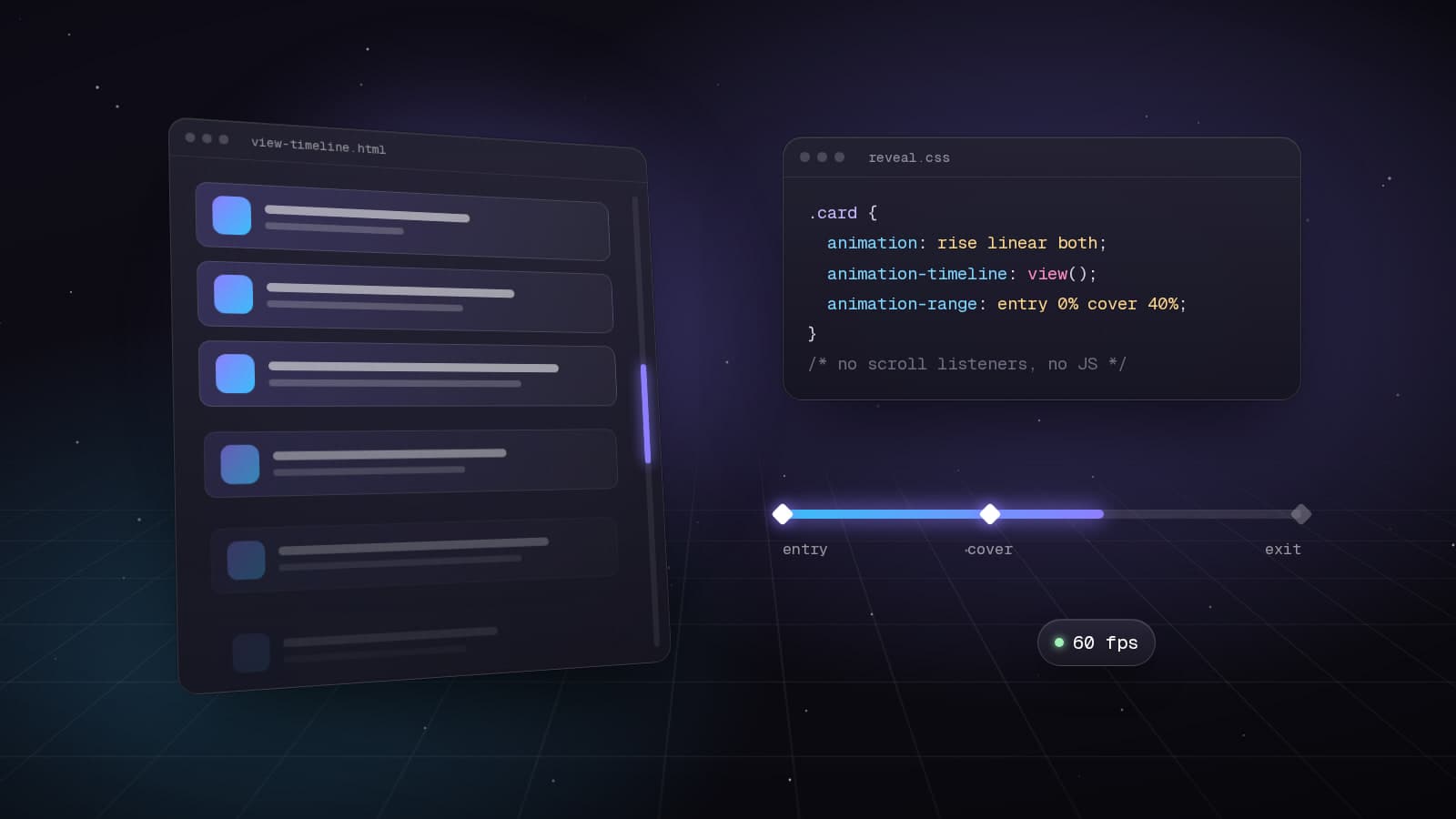
For years, every scroll effect I shipped followed the same recipe: listen to scroll, measure positions, update styles, and hope the main thread keeps up. It works until the page gets busy. Then the parallax stutters, the reveal lands late and INP quietly gets worse.
CSS can now link an animation's progress to scroll position directly. When I redesigned this site, every piece of scroll choreography moved to scroll-driven animations: the reading progress bar, the reveals, the pinned project coverflow and the hero handing over to the next section. There is not a single scroll listener left.
Support is good in Chromium browsers and Safari 26, while Firefox still keeps it behind a flag. That shapes the whole approach: treat it as progressive enhancement, and make sure the page is complete without it.
Two timelines: scroll() and view()
A normal animation runs on time. A scroll-driven animation runs on a timeline you pick with animation-timeline. The first kind, scroll(), tracks how far a scroll container has scrolled. A reading progress bar is the classic example:
.progress {
  transform-origin: 0 50%;
  animation: grow linear both;
  animation-timeline: scroll(root);
}

@keyframes grow {
  from {
    transform: scaleX(0);
  }
}
The second kind, view(), tracks an element as it crosses the viewport. It is the one I use most, because it describes exactly what a reveal needs:
.reveal {
  animation: rise linear both;
  animation-timeline: view();
  animation-range: entry 0% entry 85%;
}

@keyframes rise {
  from {
    opacity: 0;
    transform: translateY(56px);
  }
}
Linear timing is deliberate. Scroll already has the user's own acceleration built in, so easing on top of it tends to feel laggy. When I want a shape to the motion, I put the easing inside individual keyframe segments instead.
Ranges are where the design happens
The timeline says what drives the animation. The range says which part of that journey maps to 0% and 100%. For view() timelines you get named ranges:
- cover: from the moment the element starts entering until it has completely left.
- entry: while it is coming in at the bottom. Perfect for arrivals.
- exit: while it is leaving at the top. Good for departures and hand-overs.
- contain: while it fully fills or fully fits the viewport. This is the range for pinned sections.
Offsets can be calculated, and they can read custom properties set on each element. My project coverflow uses one rule for every card, with each card's range derived from its index:
.card {
  animation: tilt linear both;
  animation-timeline: --work;
  animation-range:
    contain calc((var(--i) - 1) / (var(--count) - 1) * 100%)
    contain calc((var(--i) + 1) / (var(--count) - 1) * 100%);
}
Pinning with sticky, without hijacking scroll
Horizontal galleries used to mean pinning libraries and wheel-event hijacking. Now it is a tall track, a sticky stage inside it, and a named timeline on the track. Vertical scrolling moves the rail sideways, and the browser still owns the scroll:
.track {
  view-timeline: --work block;
  height: calc(100dvh + (var(--count) - 1) * 75dvh);
}

.stage {
  position: sticky;
  top: 0;
  height: 100dvh;
  overflow: clip;
}

.rail {
  animation: pan linear both;
  animation-timeline: --work;
  animation-range: contain 0% contain 100%;
}
Keyboard scrolling, touchpads, scroll snapping and accessibility tools all keep working, because nothing intercepts input.
Driving one element with another's timeline
This one took me a while to spot. My hero is sticky: it pins while the next section slides over it like a sheet. A sticky element does not move, so its own view() timeline never progresses and every exit animation freezes. The fix is to animate the hero against the incoming section's timeline. timeline-scope lifts that name up to a shared ancestor so siblings can use it:
.intro-wrapper {
  timeline-scope: --about;
}

.about {
  view-timeline: --about block;
}

.hero-title {
  animation: part linear both;
  animation-timeline: --about;
  animation-range: entry 0% entry 100%;
}
A nice side effect: on phones, where I do not pin the hero, the exact same rules still read naturally, because the next section's entry happens as the hero scrolls away.
Gotchas I ran into
- The animation shorthand resets animation-timeline to auto. Declare the timeline after the shorthand, never before it.
- Fixed-position elements are easy to attach to the wrong scroller. Use scroll(root) or a named timeline rather than relying on the nearest scroll container.
- Transforms and opacity can run on the compositor. Registered custom properties animated with @property are updated on the main thread, so keep them for small element counts.
- If your page scrolls inside a container instead of the document, every view() and scroll() timeline resolves against that container. Moving scrolling back to the document fixed several edge cases for me, including mobile browser chrome that never collapsed.
Ship it as progressive enhancement
Every scroll-driven rule on this site lives behind two conditions: the browser supports scroll timelines, and the visitor has not asked for reduced motion. Outside of that block, content is fully visible and fully usable.
@supports (animation-timeline: view()) {
  @media (prefers-reduced-motion: no-preference) {
    /* scroll-driven rules live here */
  }
}
The payoff was bigger than I expected. The scroll code got shorter, frames stayed smooth while the page was still loading, and the fallback became something I design on purpose instead of something I discover in a bug report.
Keep reading
All writing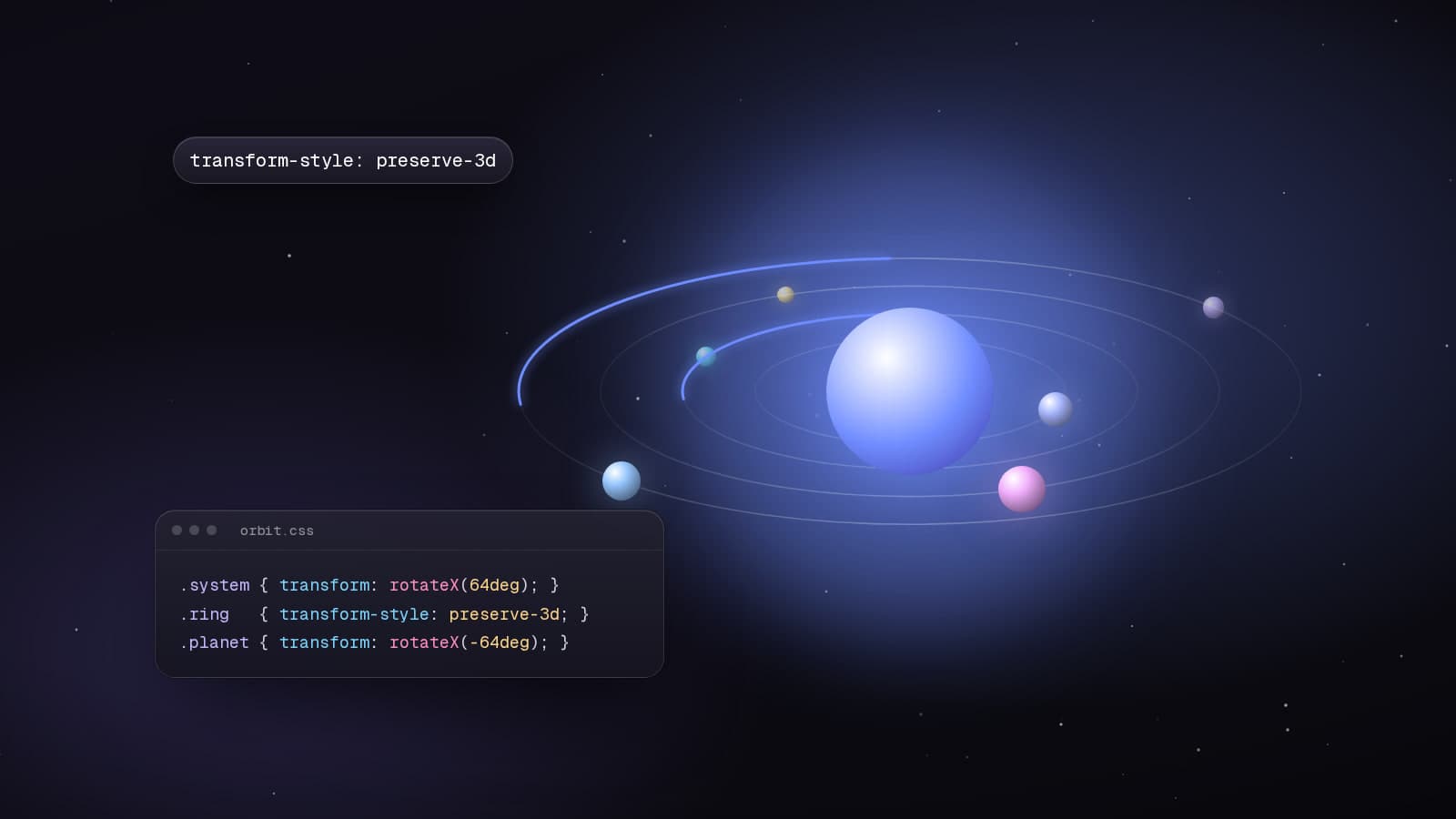
Technical7 min read
Building a 3D Solar System With Nothing but CSS
The hero of my portfolio is a CSS-only solar system: tilted rings, planets that stay upright and real depth sorting. Here is the transform chain behind it.
Best Practices7 min read
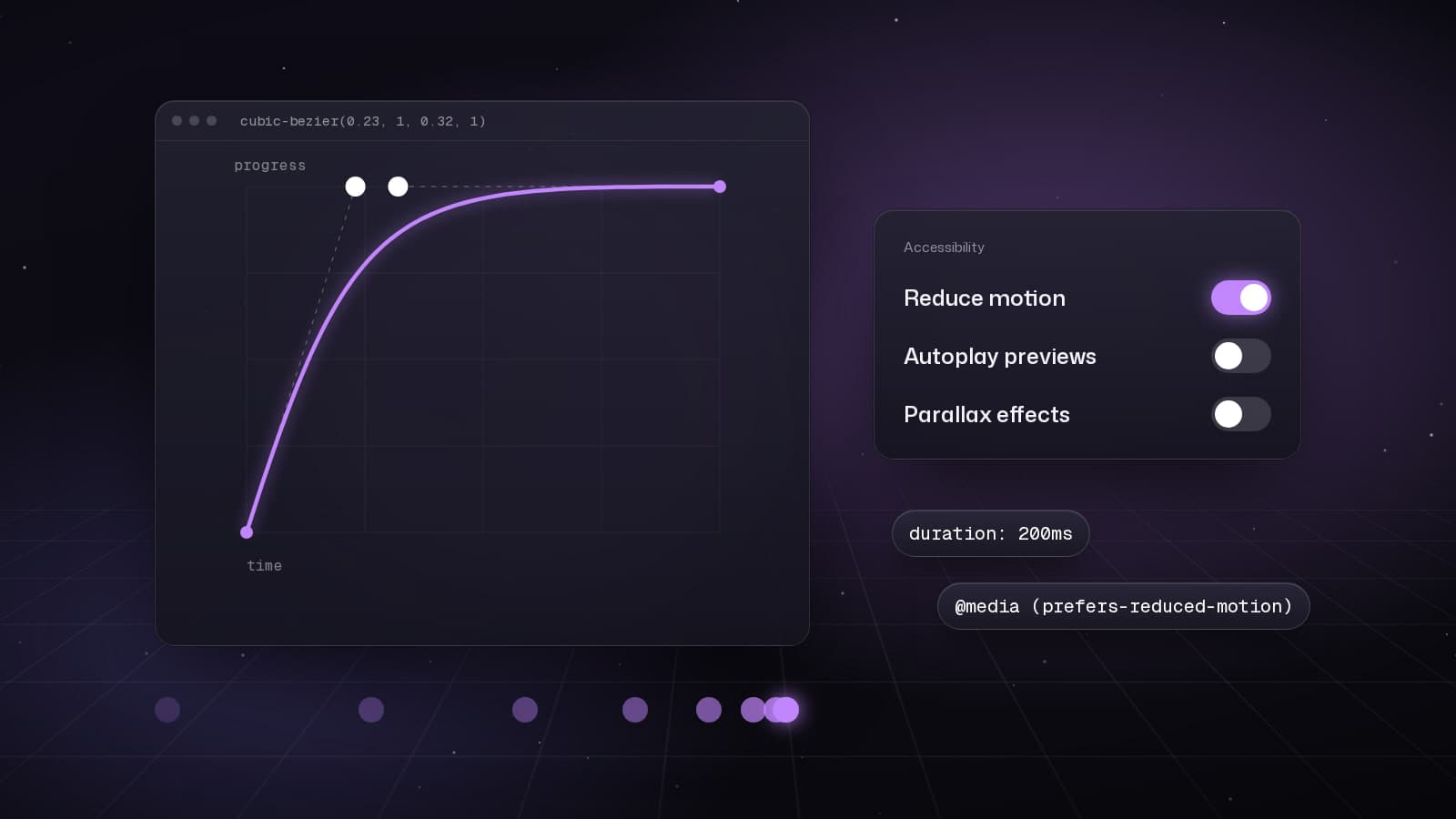
Motion That Respects People: My Checklist for Animated Interfaces
Animation should explain, confirm or delight, never make people wait. The rules I use to decide what moves, how fast it moves and what it costs.
Web Development5 min read
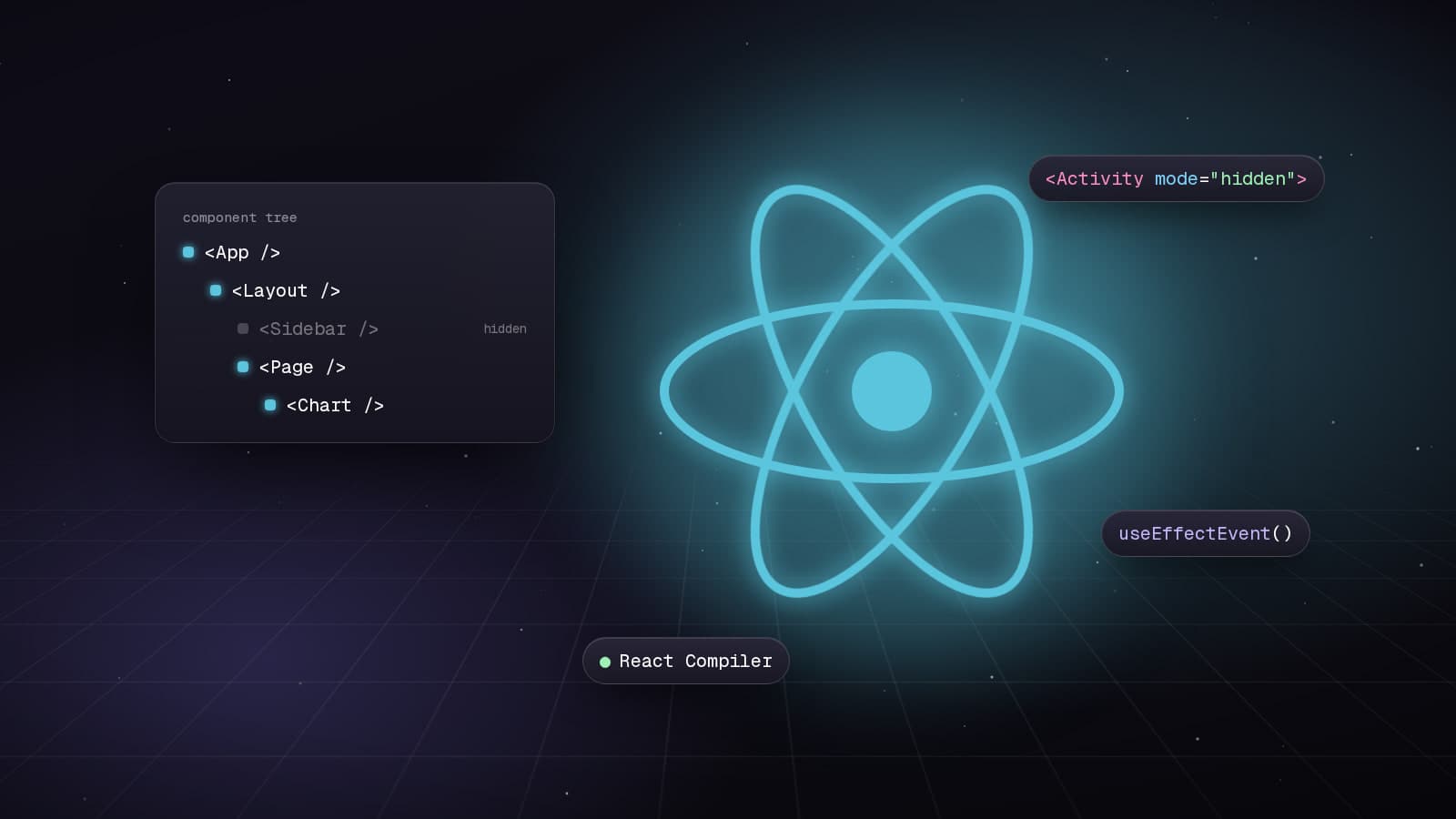
React 19.2: Transforming Application Development
Explore the powerful features introduced in React 19.2, including the Compiler, Activity Component, and useEffectEvent, which enhance performance and code quality.