All writing
Best Practices7 min read
Motion That Respects People: My Checklist for Animated Interfaces
Animation should explain, confirm or delight, never make people wait. The rules I use to decide what moves, how fast it moves and what it costs.

My portfolio has a lot of motion: a solar system in the hero, a pinned project coverflow and a MacBook that turns as you reach the contact form. Building it made me write down the rules I had been applying by instinct. Motion is the easiest way to make an interface feel expensive, and just as easy a way to make it feel slow, so every animation has to earn its place.
1. Decide whether it should move at all
The first question is frequency. How often will someone see this animation?
- Hundreds of times a day, like a keyboard shortcut or a command palette: no animation. It only adds delay.
- Tens of times a day, like hovers and list navigation: keep it tiny or remove it.
- Occasionally, like modals, drawers and toasts: standard, quick motion.
- Rarely, like a first visit or a hero: this is where delight belongs.
The second question is purpose. Good reasons are feedback, a visible change of state, spatial continuity and explaining how something works. If the only reason is that it looks cool and people will see it often, it goes.
2. Fast, and eased out
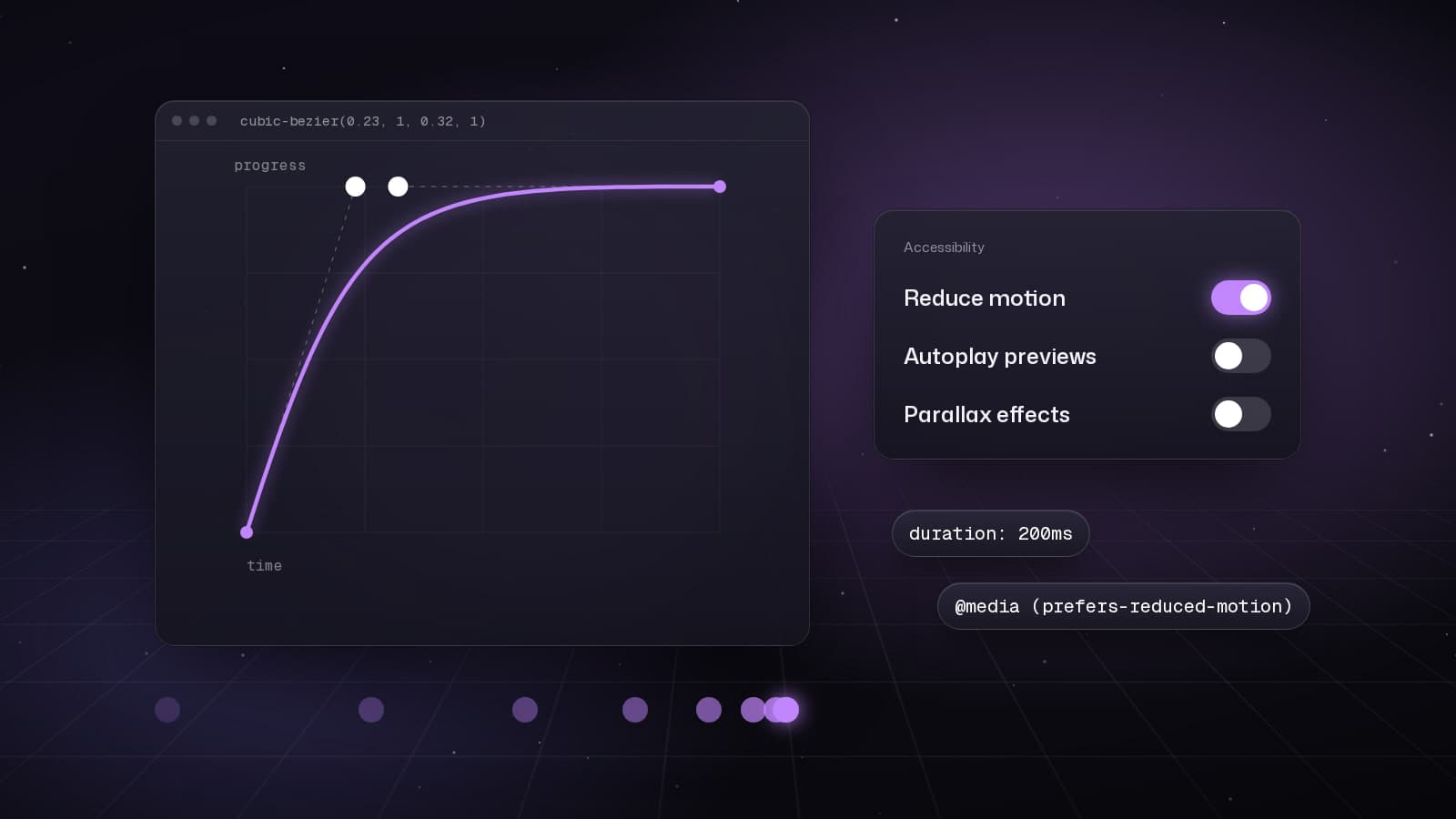
Interface motion stays under about 300ms. Things that enter use a strong ease-out, so they react immediately and settle gently. Exits are faster than entrances. I never use ease-in for UI: it delays the start of the movement, which is exactly the moment people are watching.
:root {
  --ease-out: cubic-bezier(0.23, 1, 0.32, 1);
  --ease-in-out: cubic-bezier(0.77, 0, 0.175, 1);
}

.button {
  transition: transform 160ms var(--ease-out);
}

.button:active {
  transform: scale(0.97);
}
That tiny press state is my favourite detail on any site. It costs one line and makes every button feel like it heard you.
3. Stay on the compositor
Transform and opacity skip layout and paint, so the browser can animate them off the main thread. Width, height, top, left and margins force layout on every frame. When a page is busy hydrating or loading data, that difference decides whether an animation is smooth or visibly stutters. I also keep blur small and short, because large blurs are expensive, especially in Safari.
4. Pay for heavy effects only when they are visible
The 3D MacBook in my contact section is a 10 MB model, so it follows four rules:
- The code only loads when the section is close to the viewport, and not at all when the visitor has Data Saver turned on.
- Assets are preloaded when the chunk loads, not during render.
- The render loop stops completely when the canvas is off screen.
- An error boundary wraps it, so a lost GPU context or a failed download shows a quiet placeholder instead of breaking the page.
<CanvasBoundary>
  <Canvas
    dpr={[1, 1.75]}
    frameloop={inView ? "always" : "never"}
  >
    <MacBook progress={scrollProgress} />
  </Canvas>
</CanvasBoundary>
5. Reduced motion means gentler, not nothing
prefers-reduced-motion is not a request for a broken page. I remove movement, parallax and anything that spins, and keep opacity and colour changes that communicate state. Pinned galleries become a simple swipeable row. The content and the story stay exactly the same.
@media (prefers-reduced-motion: reduce) {
  .orbit,
  .parallax {
    animation: none;
  }
}
6. Measure it
Two metrics catch most motion mistakes. LCP suffers when the largest element starts invisible and fades in after a long delay, so entrances start immediately and never hide the main content for long. INP suffers when animation work competes with input handling on the main thread. I check both in the Performance panel, and I review every important animation in slow motion the next day, when I am no longer attached to it.
The short version
- Animate rarely seen moments, keep frequent interactions instant.
- Under 300ms, ease-out, exits faster than entrances.
- Transform and opacity first, everything else with a reason.
- Load, run and pay for heavy effects only while they are visible.
- Design the reduced-motion version on purpose.
Motion done this way is almost invisible as a technique. People do not remember the easing curve. They remember that the site felt fast, calm and a little bit special.
Keep reading
All writing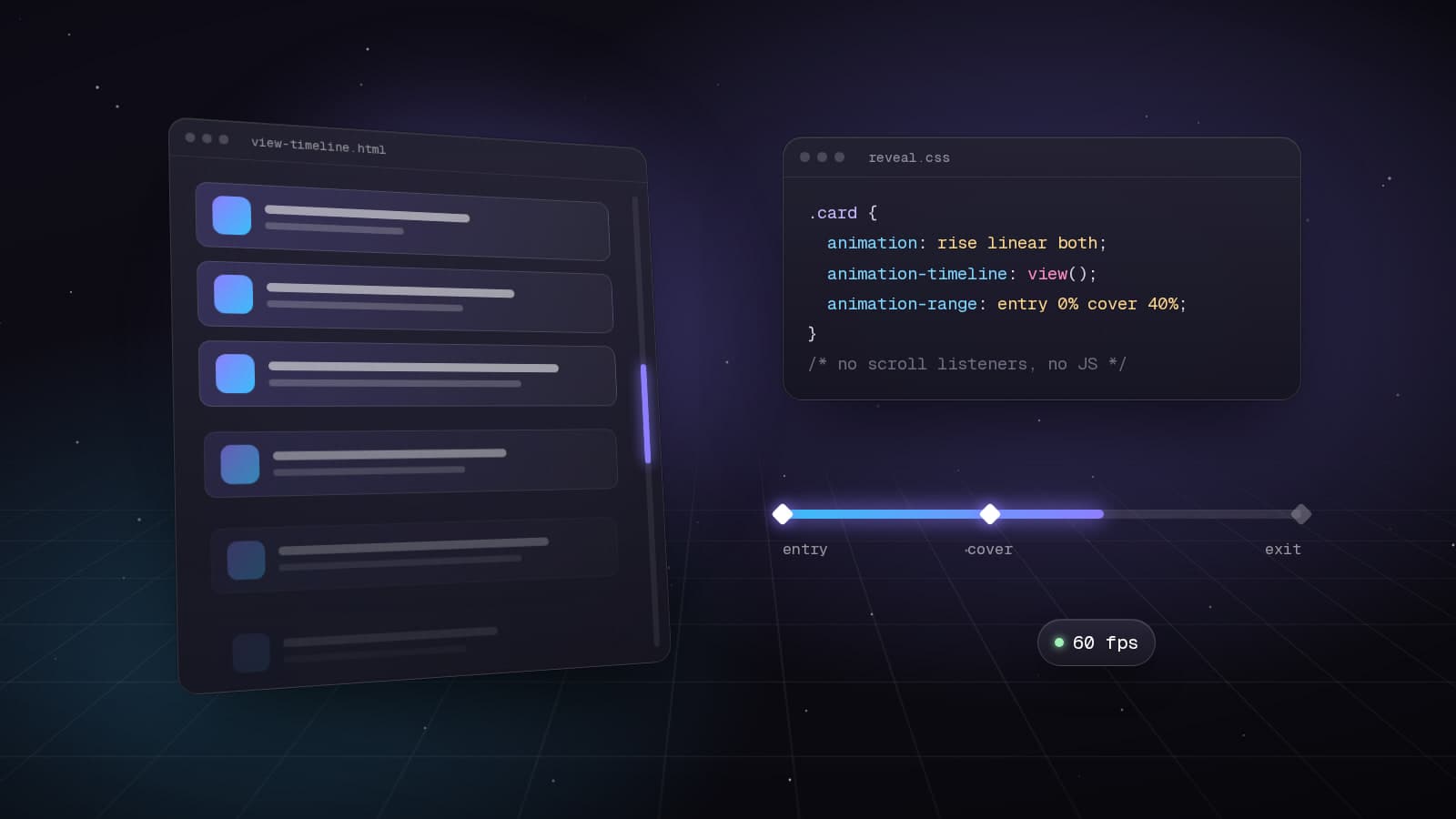
Web Development8 min read
Scroll-Driven Animations in CSS: Motion Without JavaScript
How I rebuilt my portfolio's scroll choreography with animation-timeline, view() and scroll(): no scroll listeners, smoother frames and graceful fallbacks.
Technical7 min read
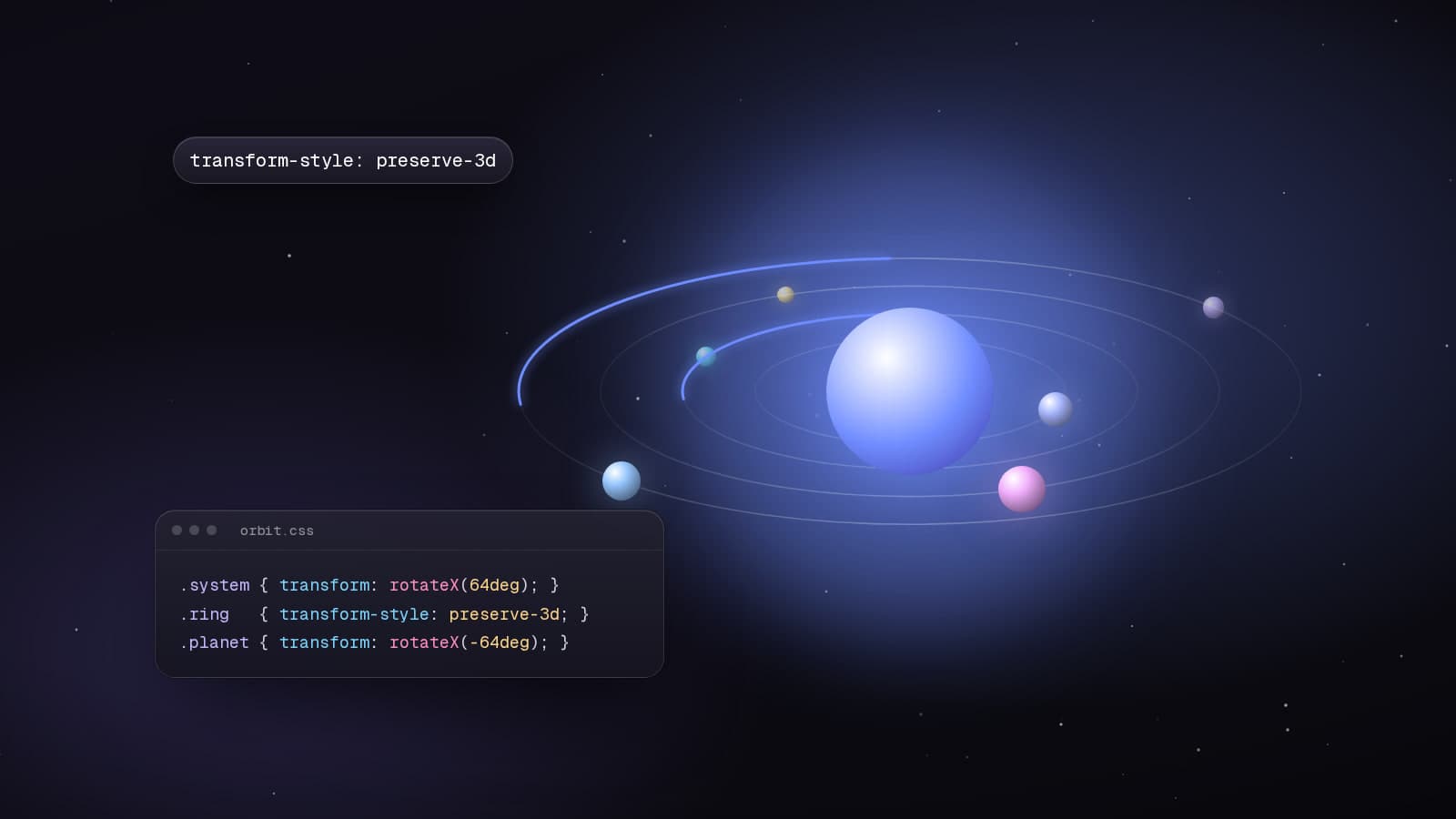
Building a 3D Solar System With Nothing but CSS
The hero of my portfolio is a CSS-only solar system: tilted rings, planets that stay upright and real depth sorting. Here is the transform chain behind it.
Web Development5 min read
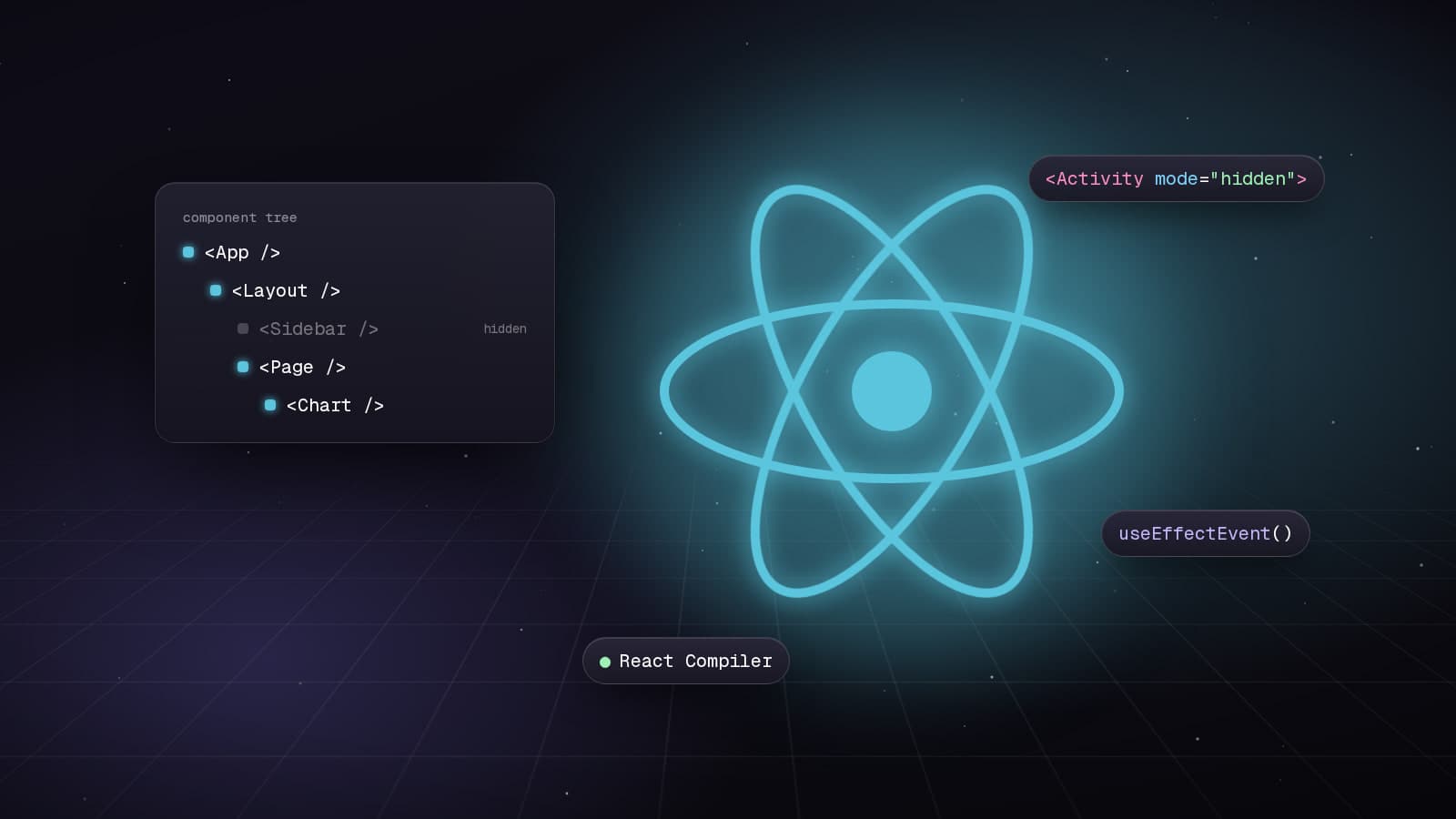
React 19.2: Transforming Application Development
Explore the powerful features introduced in React 19.2, including the Compiler, Activity Component, and useEffectEvent, which enhance performance and code quality.