All writing
Web Development7 min read
Exploring the Benefits of shadcn/ui
Discover how shadcn/ui offers a new approach to component libraries, prioritizing developer control and customization.

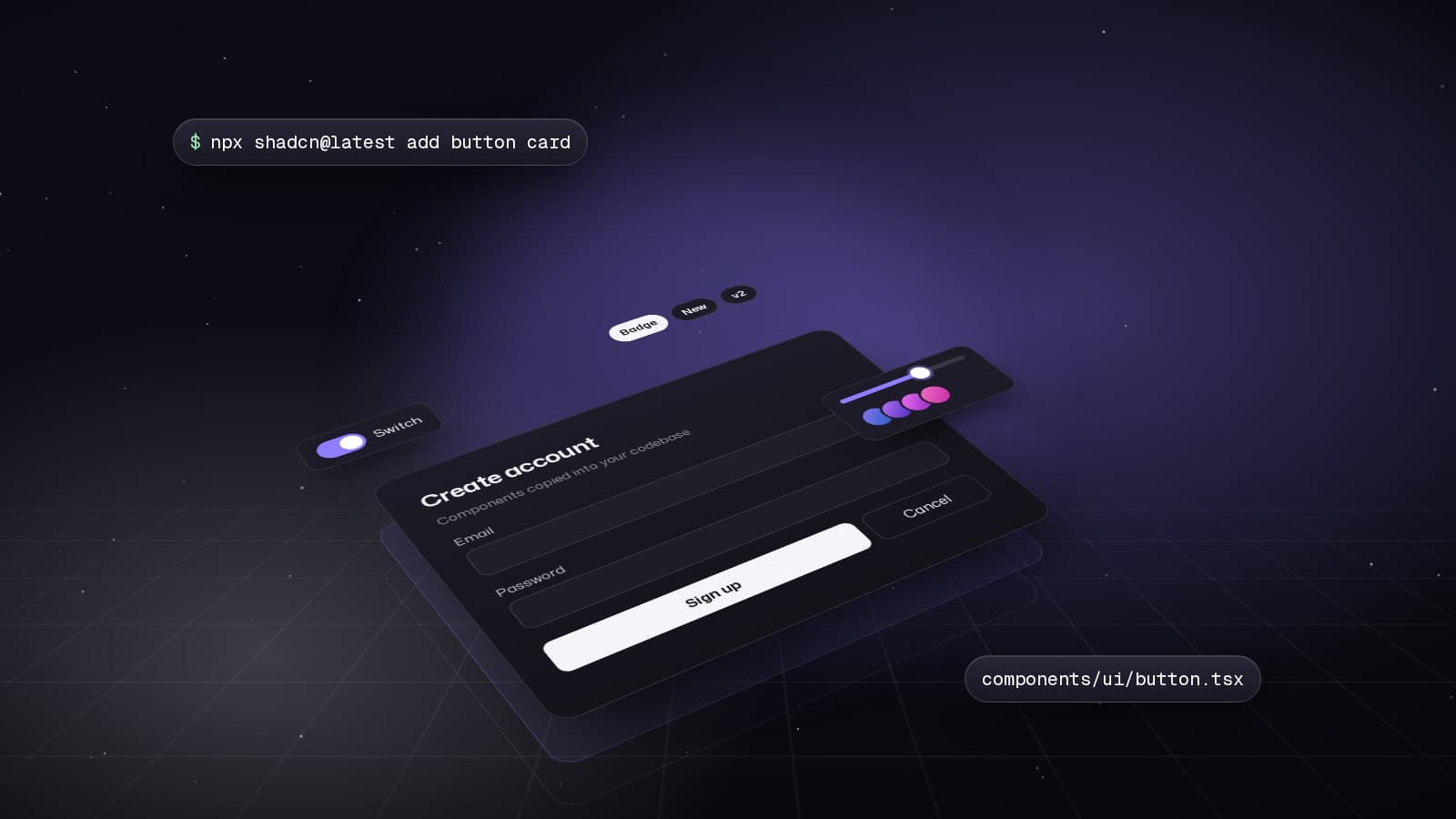
shadcn/ui has revolutionized how we think about component libraries. Instead of installing packages, you copy code directly into your project. This gives you full ownership, customization freedom, and zero dependency bloat.
Why shadcn/ui is Different
Traditional component libraries lock you into their design decisions. shadcn/ui gives you the source code, built on Radix UI primitives and Tailwind CSS.
- No npm package dependency
- Full code ownership and customization
- Built on Radix UI for accessibility
- Styled with Tailwind CSS
Getting Started
# Initialize shadcn/ui in your Next.js project
npx shadcn@latest init

# Add specific components
npx shadcn@latest add button
npx shadcn@latest add form
npx shadcn@latest add dialog

# Add multiple at once
npx shadcn@latest add button input label card
Configuration (components.json):
{
  "$schema": "https://ui.shadcn.com/schema.json",
  "style": "new-york",
  "rsc": true,
  "tsx": true,
  "tailwind": {
    "config": "tailwind.config.ts",
    "css": "app/globals.css",
    "baseColor": "zinc",
    "cssVariables": true
  },
  "aliases": {
    "components": "@/components",
    "utils": "@/lib/utils"
  }
}
Building a Complete Form
'use client';

import { zodResolver } from '@hookform/resolvers/zod';
import { useForm } from 'react-hook-form';
import * as z from 'zod';
import { Button } from '@/components/ui/button';
import {
  Form,
  FormControl,
  FormDescription,
  FormField,
  FormItem,
  FormLabel,
  FormMessage,
} from '@/components/ui/form';
import { Input } from '@/components/ui/input';
import { toast } from 'sonner';

const formSchema = z.object({
  username: z.string().min(2, 'Username must be at least 2 characters'),
  email: z.string().email('Invalid email address'),
  password: z.string().min(8, 'Password must be at least 8 characters'),
});

export function SignUpForm() {
  const form = useForm<z.infer<typeof formSchema>>({
    resolver: zodResolver(formSchema),
    defaultValues: {
      username: '',
      email: '',
      password: '',
    },
  });

  async function onSubmit(values: z.infer<typeof formSchema>) {
    try {
      const response = await fetch('/api/auth/signup', {
        method: 'POST',
        headers: { 'Content-Type': 'application/json' },
        body: JSON.stringify(values),
      });

      if (!response.ok) throw new Error('Signup failed');

      toast.success('Account created successfully!');
    } catch (error) {
      toast.error('Failed to create account');
    }
  }

  return (
    <Form {...form}>
      <form onSubmit={form.handleSubmit(onSubmit)} className="space-y-6">
        <FormField
          control={form.control}
          name="username"
          render={({ field }) => (
            <FormItem>
              <FormLabel>Username</FormLabel>
              <FormControl>
                <Input placeholder="johndoe" {...field} />
              </FormControl>
              <FormDescription>
                This will be your public display name.
              </FormDescription>
              <FormMessage />
            </FormItem>
          )}
        />

        <FormField
          control={form.control}
          name="email"
          render={({ field }) => (
            <FormItem>
              <FormLabel>Email</FormLabel>
              <FormControl>
                <Input type="email" placeholder="john@example.com" {...field} />
              </FormControl>
              <FormMessage />
            </FormItem>
          )}
        />

        <FormField
          control={form.control}
          name="password"
          render={({ field }) => (
            <FormItem>
              <FormLabel>Password</FormLabel>
              <FormControl>
                <Input type="password" placeholder="••••••••" {...field} />
              </FormControl>
              <FormMessage />
            </FormItem>
          )}
        />

        <Button type="submit" className="w-full">
          Create Account
        </Button>
      </form>
    </Form>
  );
}
Advanced Pattern: Data Table with Server Actions
'use client';

import { useState } from 'react';
import {
  ColumnDef,
  flexRender,
  getCoreRowModel,
  useReactTable,
  getPaginationRowModel,
  getSortedRowModel,
  getFilteredRowModel,
} from '@tanstack/react-table';
import { Button } from '@/components/ui/button';
import { Input } from '@/components/ui/input';
import {
  Table,
  TableBody,
  TableCell,
  TableHead,
  TableHeader,
  TableRow,
} from '@/components/ui/table';
import { deleteUser } from '@/app/actions/users';
import { toast } from 'sonner';

interface User {
  id: string;
  name: string;
  email: string;
  role: string;
}

const columns: ColumnDef<User>[] = [
  {
    accessorKey: 'name',
    header: 'Name',
  },
  {
    accessorKey: 'email',
    header: 'Email',
  },
  {
    accessorKey: 'role',
    header: 'Role',
  },
  {
    id: 'actions',
    cell: ({ row }) => {
      const user = row.original;

      return (
        <Button
          variant="destructive"
          size="sm"
          onClick={async () => {
            try {
              await deleteUser(user.id);
              toast.success('User deleted');
            } catch (error) {
              toast.error('Failed to delete user');
            }
          }}
        >
          Delete
        </Button>
      );
    },
  },
];

export function UsersTable({ data }: { data: User[] }) {
  const [globalFilter, setGlobalFilter] = useState('');

  const table = useReactTable({
    data,
    columns,
    getCoreRowModel: getCoreRowModel(),
    getPaginationRowModel: getPaginationRowModel(),
    getSortedRowModel: getSortedRowModel(),
    getFilteredRowModel: getFilteredRowModel(),
    state: {
      globalFilter,
    },
    onGlobalFilterChange: setGlobalFilter,
  });

  return (
    <div className="space-y-4">
      <Input
        placeholder="Search users..."
        value={globalFilter}
        onChange={(e) => setGlobalFilter(e.target.value)}
        className="max-w-sm"
      />

      <div className="rounded-md border">
        <Table>
          <TableHeader>
            {table.getHeaderGroups().map((headerGroup) => (
              <TableRow key={headerGroup.id}>
                {headerGroup.headers.map((header) => (
                  <TableHead key={header.id}>
                    {flexRender(
                      header.column.columnDef.header,
                      header.getContext()
                    )}
                  </TableHead>
                ))}
              </TableRow>
            ))}
          </TableHeader>
          <TableBody>
            {table.getRowModel().rows.map((row) => (
              <TableRow key={row.id}>
                {row.getVisibleCells().map((cell) => (
                  <TableCell key={cell.id}>
                    {flexRender(cell.column.columnDef.cell, cell.getContext())}
                  </TableCell>
                ))}
              </TableRow>
            ))}
          </TableBody>
        </Table>
      </div>

      <div className="flex items-center justify-between">
        <Button
          variant="outline"
          onClick={() => table.previousPage()}
          disabled={!table.getCanPreviousPage()}
        >
          Previous
        </Button>
        <span className="text-sm text-muted-foreground">
          Page {table.getState().pagination.pageIndex + 1} of{' '}
          {table.getPageCount()}
        </span>
        <Button
          variant="outline"
          onClick={() => table.nextPage()}
          disabled={!table.getCanNextPage()}
        >
          Next
        </Button>
      </div>
    </div>
  );
}
Customizing Themes
Because you own the code, theming is straightforward. Modify CSS variables in your globals.css:
@layer base {
  :root {
    --background: 0 0% 100%;
    --foreground: 222.2 84% 4.9%;
    --primary: 262 83% 58%;
    --primary-foreground: 210 40% 98%;
    --secondary: 210 40% 96.1%;
    --secondary-foreground: 222.2 47.4% 11.2%;
    --muted: 210 40% 96.1%;
    --muted-foreground: 215.4 16.3% 46.9%;
    --accent: 210 40% 96.1%;
    --accent-foreground: 222.2 47.4% 11.2%;
    --destructive: 0 84.2% 60.2%;
    --destructive-foreground: 210 40% 98%;
    --border: 214.3 31.8% 91.4%;
    --input: 214.3 31.8% 91.4%;
    --ring: 262 83% 58%;
    --radius: 0.5rem;
  }

  .dark {
    --background: 222.2 84% 4.9%;
    --foreground: 210 40% 98%;
    --primary: 262 83% 58%;
    --primary-foreground: 210 40% 98%;
    /* ... */
  }
}
Component Composition Patterns
import { Card, CardContent, CardDescription, CardFooter, CardHeader, CardTitle } from '@/components/ui/card';
import { Badge } from '@/components/ui/badge';
import { Button } from '@/components/ui/button';
import { Avatar, AvatarFallback, AvatarImage } from '@/components/ui/avatar';

export function UserCard({ user }: { user: User }) {
  return (
    <Card className="w-full max-w-md">
      <CardHeader>
        <div className="flex items-center gap-4">
          <Avatar>
            <AvatarImage src={user.avatar} alt={user.name} />
            <AvatarFallback>{user.name.slice(0, 2).toUpperCase()}</AvatarFallback>
          </Avatar>
          <div>
            <CardTitle>{user.name}</CardTitle>
            <CardDescription>{user.email}</CardDescription>
          </div>
        </div>
      </CardHeader>

      <CardContent className="space-y-4">
        <div className="flex gap-2">
          <Badge variant="secondary">{user.role}</Badge>
          <Badge variant="outline">{user.status}</Badge>
        </div>

        <p className="text-sm text-muted-foreground">
          {user.bio}
        </p>
      </CardContent>

      <CardFooter className="flex gap-2">
        <Button variant="default" className="flex-1">
          Message
        </Button>
        <Button variant="outline" className="flex-1">
          View Profile
        </Button>
      </CardFooter>
    </Card>
  );
}
Shadcn/ui represents a paradigm shift: own your components, customize freely, and ship with confidence. By copying code instead of installing packages, you get the best of both worlds - rapid development with complete control.
Keep reading
All writing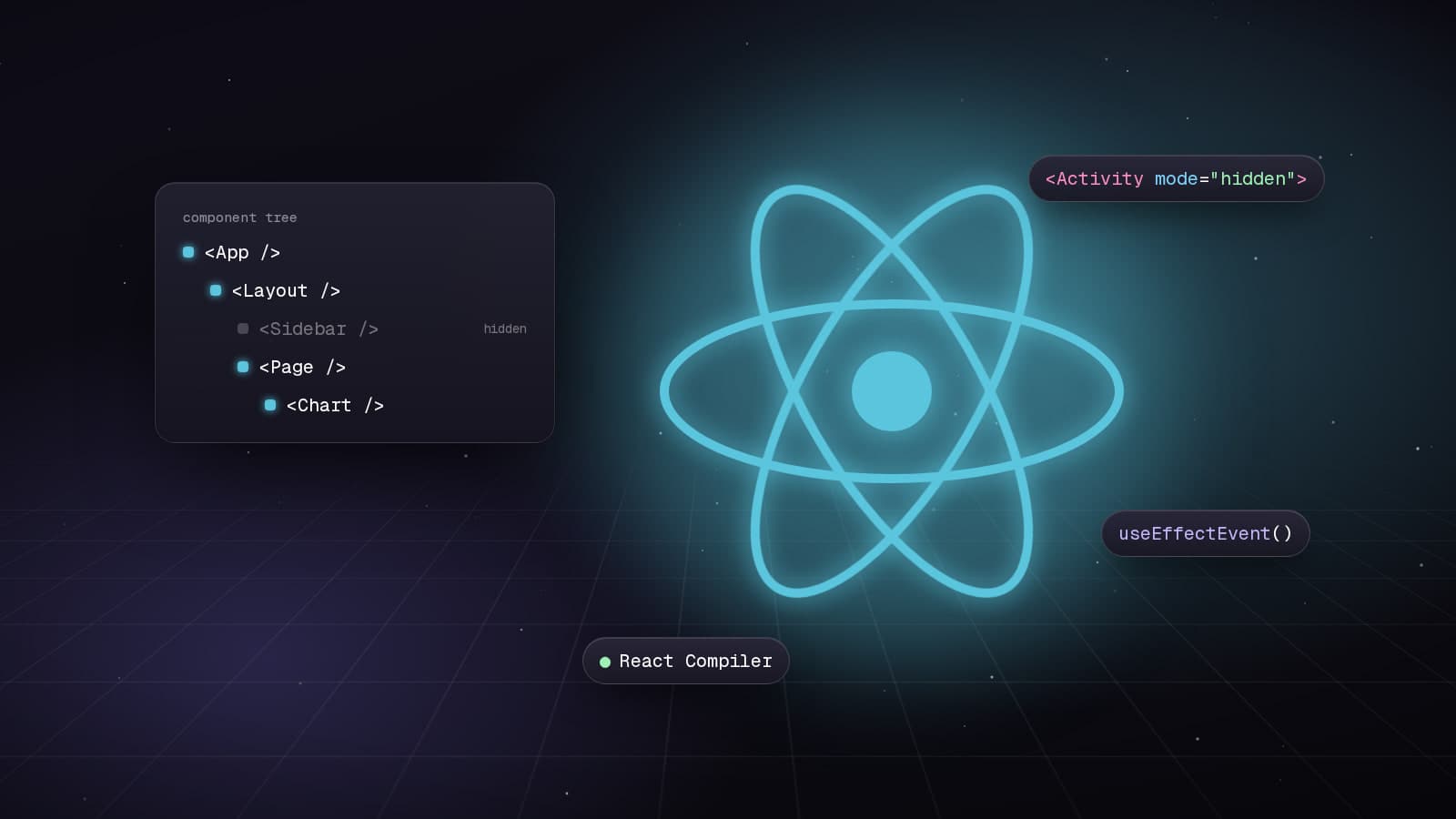
Web Development5 min read
React 19.2: Transforming Application Development
Explore the powerful features introduced in React 19.2, including the Compiler, Activity Component, and useEffectEvent, which enhance performance and code quality.
Web Development7 min read
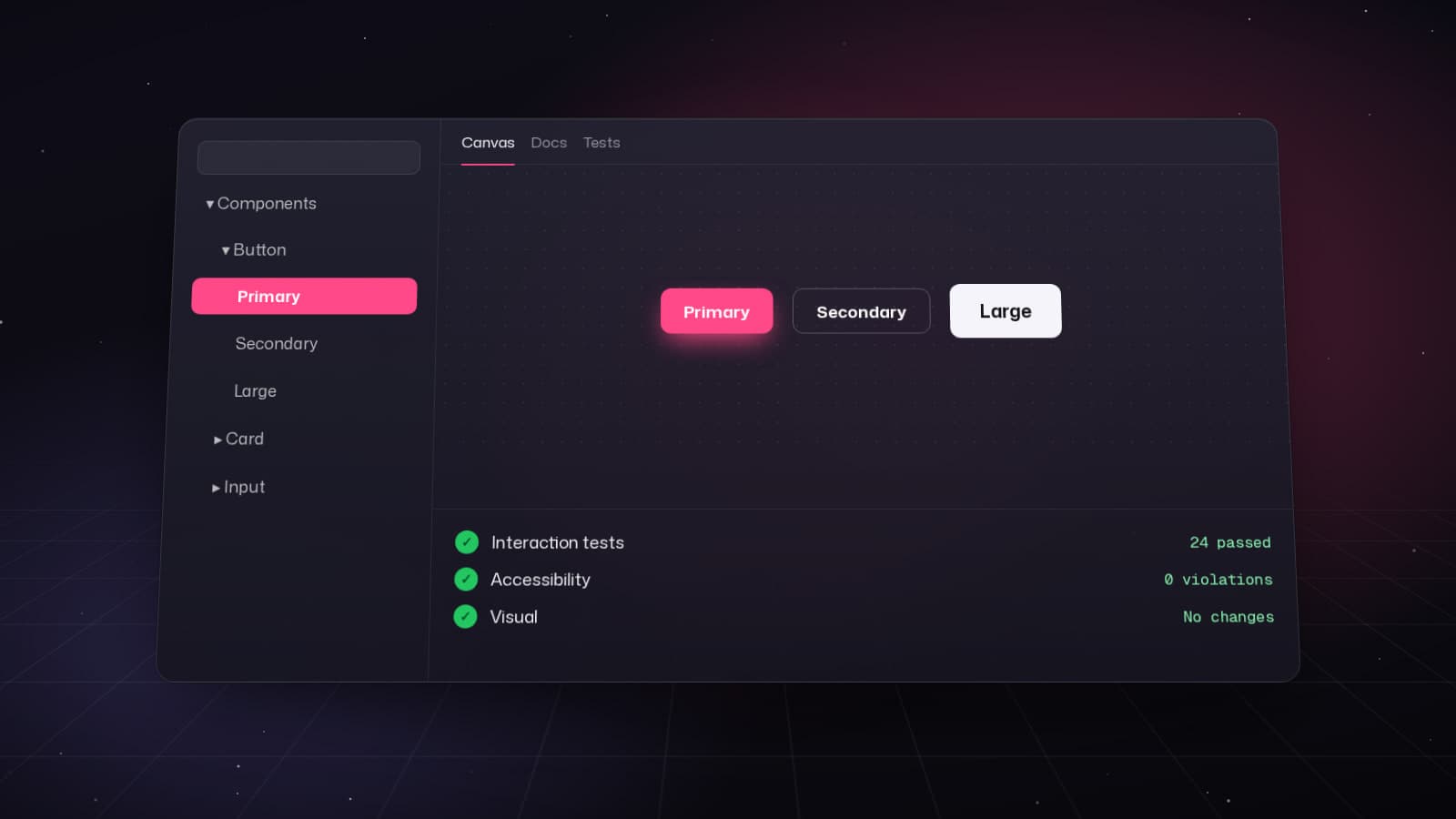
Exploring the New Features of Storybook 10
Discover the enhancements in Storybook 10, focusing on performance, testing capabilities, and developer experience.
Web Development8 min read
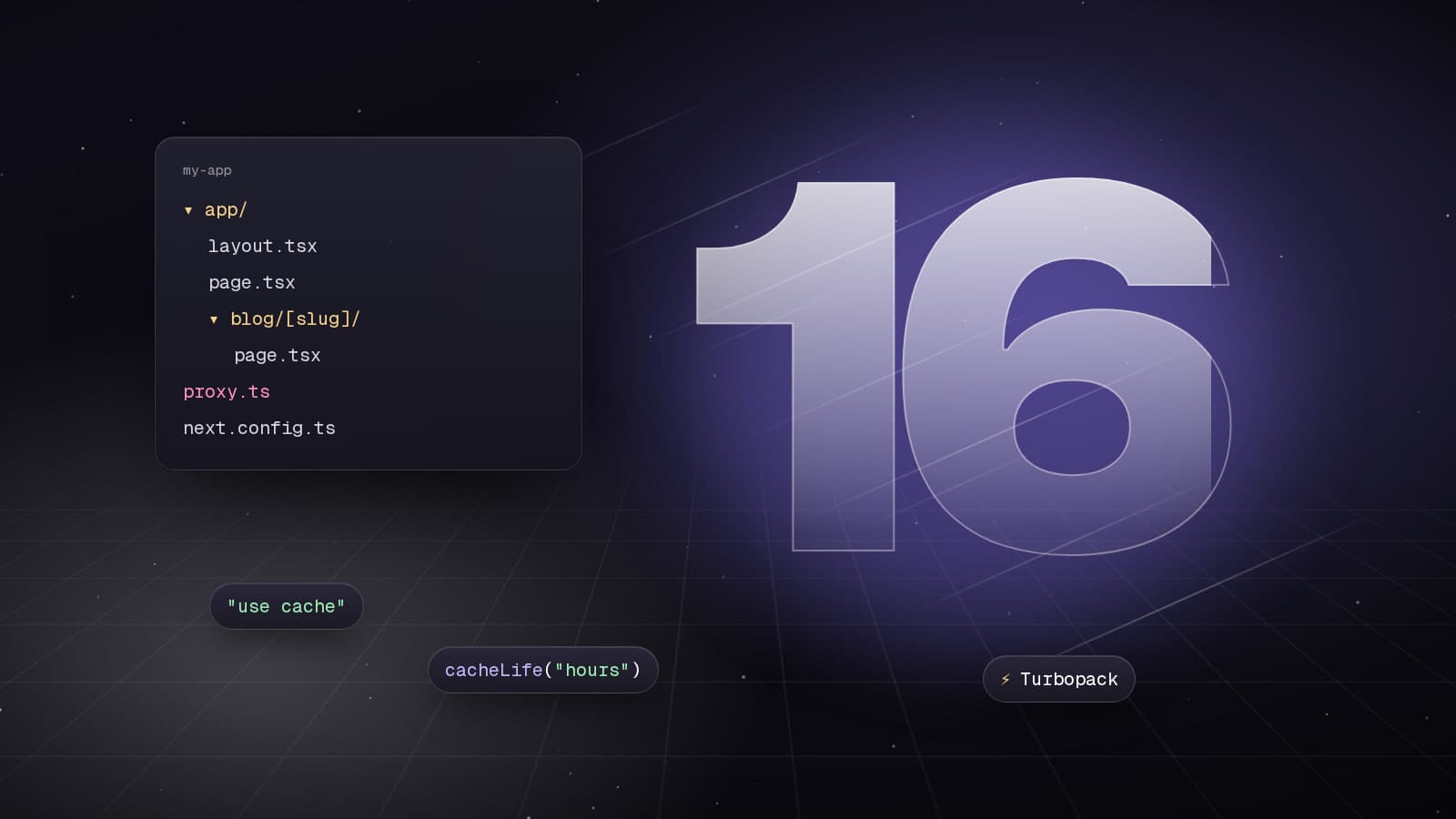
Exploring the New Features of Next.js 16
Discover the major improvements in Next.js 16 with Turbopack, async APIs, and PPR for faster web applications.